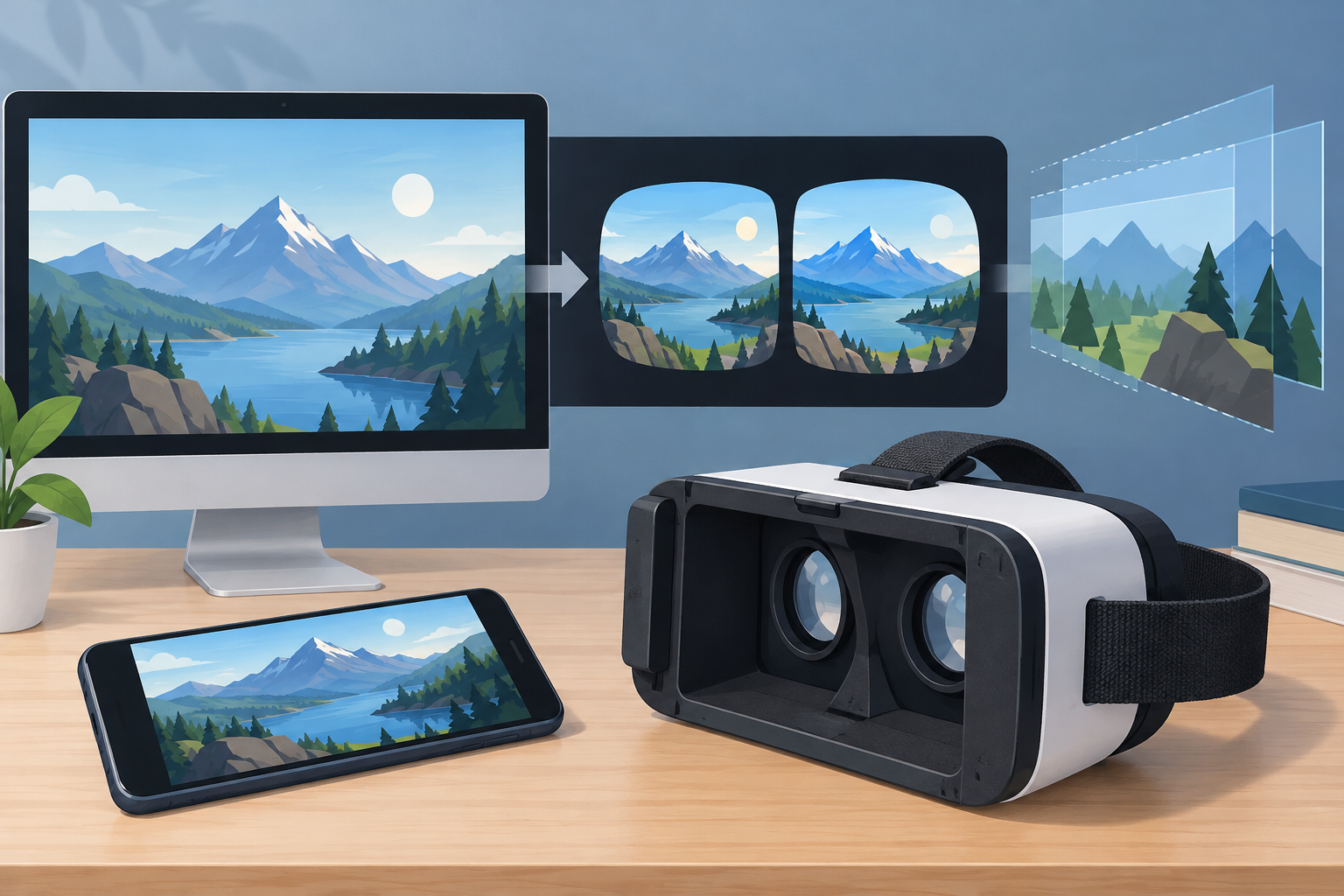
Slip a phone into a viewer, start a favorite video and see the scene gain depth: that is the appeal of pairing VRG Pro glasses with nunif’s conversion software. The ingredients are real. But turning them into a dependable system for ordinary YouTube videos—or protected Amazon Prime Video streams—requires more than putting on the headset. [3] [4] [6] [7]
The crucial distinction is between displaying a video and creating stereoscopic depth. Watching an ordinary movie on a virtual cinema screen does not itself give the scene stereoscopic depth. YouTube’s November 2015 announcement offered both VR-video support and a virtual theater for ordinary videos: different experiences under the same broad VR label. [8]
What the viewer does—and what the software adds
Retailer listings describe VRG Pro as a phone-insert viewer with adjustable lenses, not a standalone headset running conversion software. The phone supplies the display. Those listings help identify the hardware, but their advertised optical specifications should not be mistaken for independently measured performance. [2] [3]
Nunif, maintained on GitHub by nagadomi, supplies the software tools. Its iw3 component converts 2D images and video files into side-by-side stereoscopic media. The related iw3-desktop tool converts a PC’s displayed desktop into a live 3D stream, while iw3-player provides a browser-based viewing environment. [4] [5]
The conversion estimates depth and synthesizes different views for the two eyes. This is AI-generated stereoscopy, not the recovery of an original second-camera recording. The distinction matters: the added viewpoint is generated rather than captured, and the software’s documentation acknowledges visual errors. [5]
YouTube has a route; live conversion needs checking
For suitable YouTube VR180 and 360-degree videos, an official phone-viewer route already exists through the Android app and Cardboard mode. That does not certify this particular VRG Pro model or establish that ordinary 2D uploads become stereoscopic. YouTube explicitly says Cardboard is unsupported on iPhone and iPad. [1]
Live conversion through nunif has faced a separate compatibility problem. On July 13, 2026, one user reported trying more than 20 Android/Cardboard players and browsers without correctly displaying iw3-desktop’s live stereoscopic output. That was a troubleshooting report, not a controlled compatibility study. [9]
A relevant change arrived on November 15, 2026: the maintainer merged WebXR player integration into the development branch, and the related issue was closed. The developer described support across Meta Quest, PICO, Android and PCVR browsers. Blanket claims that live streaming is unsupported are therefore outdated. But this is not independent verification of the exact phone-and-VRG-Pro combination, nor confirmation that older installers include the change. [6] [9]
The remaining obstacles
Even a working stream has practical limits. Desktop documentation specifies a default of 15 frames per second—a setting, not a measured performance guarantee. Actual throughput depends on the PC and processing settings. Streaming also carries video without networked audio or remote input, so listening and controlling playback require separate arrangements. [10]
Image quality involves compromises, too. The iw3 documentation acknowledges distortions around foreground-background boundaries, with artifacts becoming more visible at stronger depth settings. Edge controls can mitigate rather than guarantee elimination of these problems. Flicker reduction and scene-boundary handling also exist, but stronger smoothing can cause clipping during abrupt depth changes, while looking ahead requires buffering. [5]
Protected streaming presents another obstacle. Microsoft documents desktop-capture paths that exclude or blank protected content. A successful desktop stream therefore does not prove a Prime Video title will appear in it. This supports caution, not a claim that every Prime configuration fails; reliable compatibility for this setup remains unestablished. [7] [11]
The sensible conclusion is to separate experimentation from a buying guarantee. Nunif documents genuine conversion capabilities, and YouTube supports a defined Android viewing route. Neither establishes a trouble-free way to watch any online title in 3D. Before buying VRG Pro specifically for live Prime Video conversion, test protected-video capture and playback on the intended system. [1] [5] [6] [7] [11]
Sources
- [1] Watch VR180 and 360-degree videos with Cardboard - YouTube Help
- [2]
- [3] $8/mo - Finance 5~7inch VRG Pro 3D VR Glasses Virtual Reality Full Screen Visual Wide-Angle VR Glasses Box for 5 to 7 inch Smartphone Eyeglasses with Remote Control (Black Pro) | Buy Now, Pay Later
- [4]
- [5]
- [6] Integrate WebXR player in iw3.desktop and on-demand desktop streaming in iw3.player by nagadomi · Pull Request #765 · nagadomi/nunif · GitHub
- [7] Desktop Duplication - Windows drivers | Microsoft Learn
- [8] YouTube presses play on virtual reality - YouTube Blog
- [9] streaming 2d to 3d on the fly · Issue #713 · nagadomi/nunif · GitHub
- [10]
- [11] _D3DKMT_OUTPUTDUPLPRESENTFLAGS (d3dkmthk.h) - Windows drivers | Microsoft Learn